1In one sentence
AI Influencer is Higgsfield's tool for building one invented person, saving them, and using the same face in every picture and video afterwards.
2New words
- Character — an invented person with a fixed face, body and style, saved in your library.
- Character sheet — the set of pictures of that character from several angles that the tools use as a reference.
- Soul ID — a stronger version: you give the site 20 or more portraits of one face (up to 80) and it learns the face for the Soul models. Takes a few minutes to train.
- Consistency — the goal: the same person in clip one and clip twenty.
3Why you would want it
A normal model gives you a different baker every time. If Sam's Bakery wants a recurring "face" for its videos without filming a real employee, it needs one character that is saved and reused. Shops, course creators and brands use this for a mascot-style host.
4Try it now
- Click AI Influencer in the top bar (or find it in the tools dropdown).
- In the Builder panel choose type (human), gender, origin, age, skin and eye color. Open Advanced to set hair, body type and style.
- Click Create new, read the credit cost (at launch in October 2026 every user got 5 free generations), then Generate.
- Under the preview, click Save. The character now appears in the library on the left.
- Open Video, keep Seedance 2.5 or choose Genjutsu, click References (or Elements in the prompt box), and pick the saved character.
- Prompt only the action: stands behind the bakery counter and holds up a croissant, smiling.
5What you will see
Before you build anything, the AI Influencer page is a blank preview on the right and the Builder panel on the left, with the library empty:
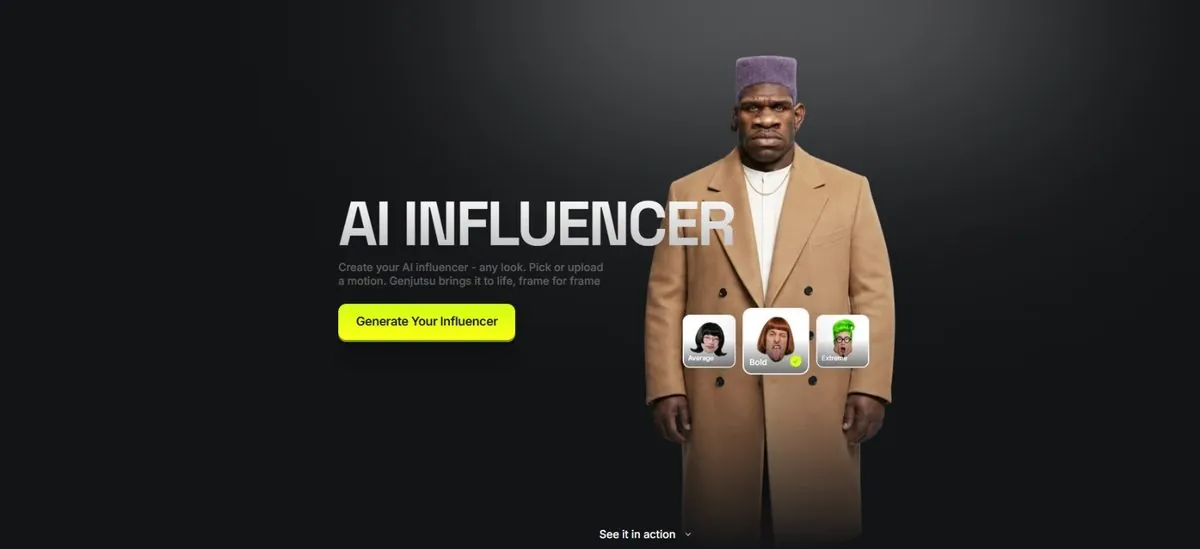
After Generate, a full-body character picture, and the same face when you reuse it in Video.
6Watch out
- Consistency is good, not perfect. Clothes, lighting and expression drift more than the face. Keep the prompt short about appearance and let the reference do the work.
- Do not build a character from a real person's photo without their permission. The terms forbid using someone's likeness without consent (Chapter 1.12).
7Go further
Generate 20 portraits of your character in different lighting and train a Soul ID on them; it works across the Soul picture models and, through Elements, in Seedance video. To make the character talk, pick it in Higgsfield Intone with a voice recording. Then read Chapter 1.10 to put the character in an ad.