1In one sentence
Midjourney has no free plan; you pay monthly for a number of "fast" minutes, and the bigger plans add unlimited slow mode, private pictures and video in higher quality.
2New words
- GPU time — Midjourney charges you in minutes of computer time, not in number of pictures. A simple picture uses under a minute; a high-definition picture uses more; a video uses much more.
- Fast mode — your pictures go first in the queue. Each plan gives you a fixed number of Fast hours per month; when they are used up, you wait or buy more.
- Relax mode — your pictures wait in a queue (seconds to minutes) but do not use your Fast hours. Unlimited on Standard and above for pictures.
- Draft mode — a quick, cheap sketch mode on the website that gives you 24 small pictures at once for about half the cost, so you can explore ideas before spending on a full picture.
- SD and HD — Standard size (about 1024 pixels wide) or High Definition (about 2048 pixels). HD costs more time.
3Why you would want it
Knowing how the meter runs stops two surprises: running out of Fast time in the first week, and paying for HD on every test. The habit that works: explore in Draft or Relax, and spend Fast time and HD only on the picture you have already chosen.
| Plan | Who it is for | What it adds, roughly |
|---|---|---|
| Basic | Trying it out, light use | A small pot of Fast time; no Relax mode; video in SD only |
| Standard | Most individuals and small businesses | More Fast time, unlimited Relax pictures, HD video |
| Pro | Heavy users and people who need privacy | Stealth Mode (private pictures), more jobs at once, Relax video |
| Mega | Studios and daily video makers | The most Fast time and the most jobs at once |
Prices and hours change; the official list is at midjourney.com/account or docs.midjourney.com under Plans. Extra Fast time can be bought by the hour on any plan, and rating pictures in Surveys (under Tasks in the left menu) earns small amounts of free Fast time.
4Try it now
- On midjourney.com, click your profile picture (bottom left or top right), then Manage Subscription.
- Compare the plan columns. For a small business that wants to try, Standard is the usual starting point because of unlimited Relax mode.
- Subscribe, then go back to the Create page. At the bottom of the settings panel (sliders icon) you will see Fast, Relax and, on the website, a lightning icon for Draft.
- Set the speed to Relax (if your plan has it) while you learn.
5What you will see
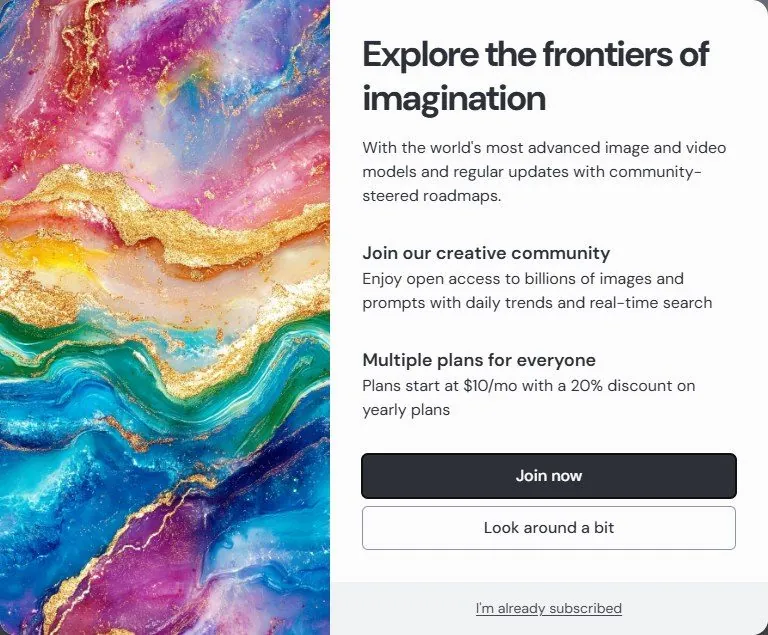
Your plan page showing the plan name, Fast time used and remaining, and the renewal date. On the Create page the speed buttons now appear in settings. Before you subscribe, trying to create opens a window that sends you to the plans.
6Watch out
- No free plan means no free pictures at all. Without a subscription your account can only browse Explore, read other people's prompts and watch the Videos tab; you cannot make even one picture until you subscribe.
- Fast hours do not roll over to the next month. Unused time is lost.
- Companies with more than one million US dollars a year in revenue must be on Pro or Mega to use pictures commercially (Chapter 1.12). A small bakery is fine on Basic or Standard.
- Refunds are limited; check the refund rules on the plans page before you subscribe. Decide on the plan size before you generate a lot.
7Go further
With the plan active and Relax mode on, go to Chapter 1.4 and make your first pictures.