
1In one sentence
A skill is a ready-made set of instructions that teaches Claude how to do one job well, and a plugin is a bundle of skills, connectors and helpers for a whole role.
2New words
- Skill — a packaged "how to" that Claude loads when the job matches: how to build a proper PowerPoint, how to do deep research, how to clean a spreadsheet. Some come from Anthropic, some from other companies, and you can write your own (Chapter 6.3).
- Plugin — a bundle: several skills plus the connectors and helpers they need, for a role such as Sales, Operations or Small Business. One click installs the set.
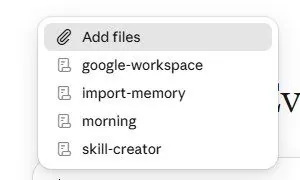
- Slash menu — type / in the chat box to see the skills you can call by name.
3Why you would want it
Without a skill, "make me a deck" gives you something generic. With the Slides skill, Claude follows a tested recipe for structure, layout and export. Skills are how Claude becomes an expert at specific jobs, and plugins are how a whole team gets the same setup.
4Try it now
- Type / in the chat box. Read the list: Doc, Slides, Design, deep-research and others.
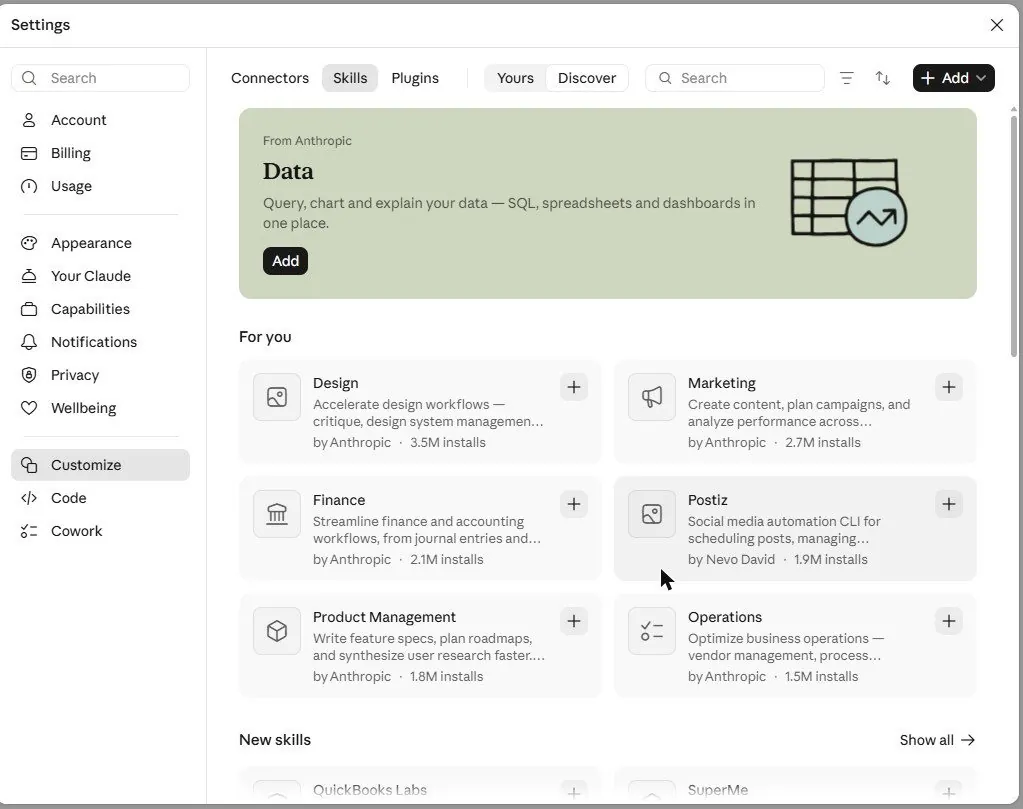
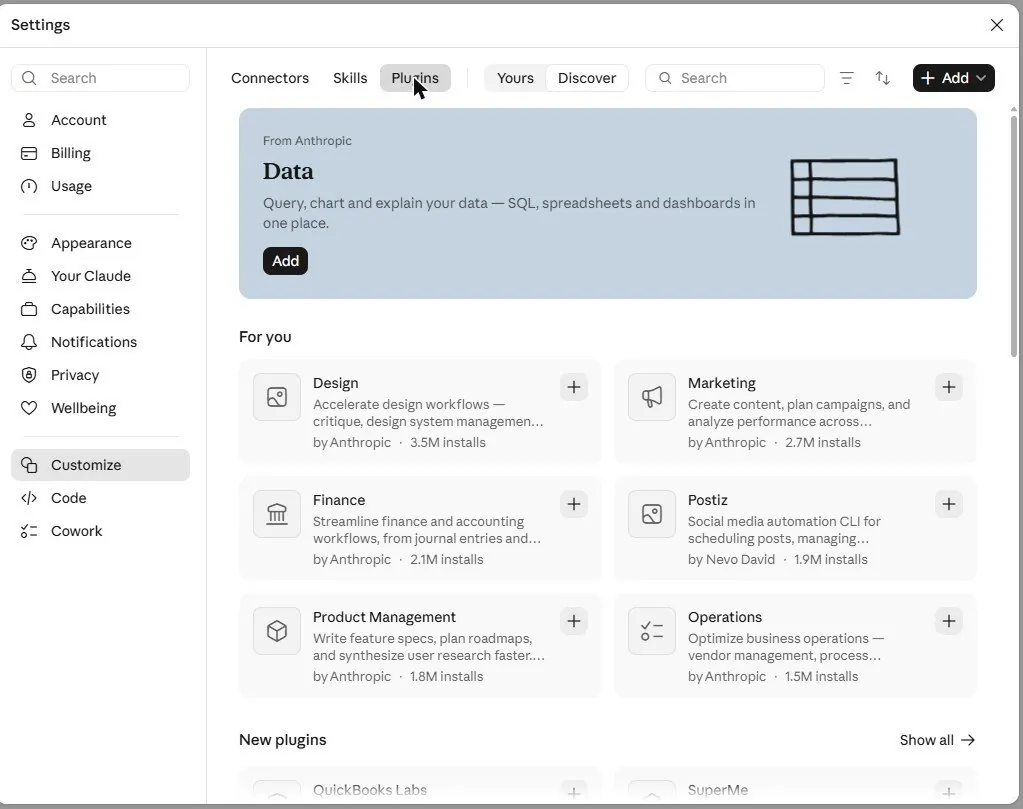
- Click Customize in the sidebar. Browse Skills (Discover) and Plugins. Click Try on "Small Business" or "Productivity" to see what it includes.
- Back in a chat, type /deep-research followed by a question, and watch Claude run the research skill.
5What you will see
The slash menu shows the skills ready to use right now:
The Customize page shows the catalog. Skills first:
And plugins for Productivity, Sales, Operations, Small Business, Human Resources, each with a Try button and an install count:
6Watch out
- A skill still needs a good brief. It knows how to make a deck; it does not know what you want on the slides.
- Install what you will use. Every installed plugin adds options to the menu, and more options mean more scrolling.
7Go further
The skill-creator skill in the / menu helps you write your own: describe a job you do the same way every time (your proposal format, your weekly report), and it packages the instructions. Chapter 6.3 goes deeper.